Rockbot TV for Business

TV reimagined for your space

Engage your customers, guests, and patrons with curated TV programming that’s easy to manage, centrally controlled, and built to scale across any business environment.

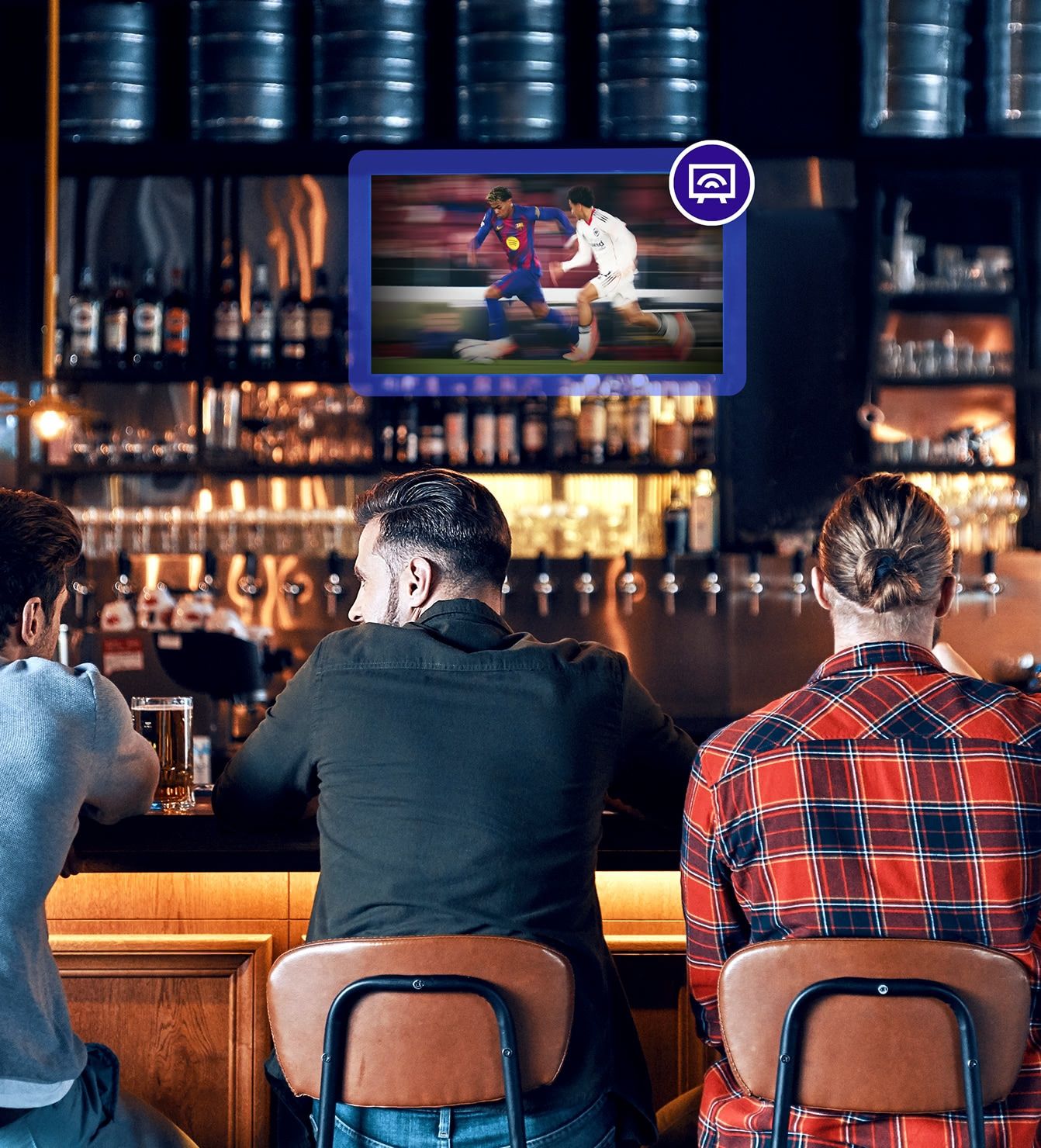
  • QSR locations use Rockbot TV
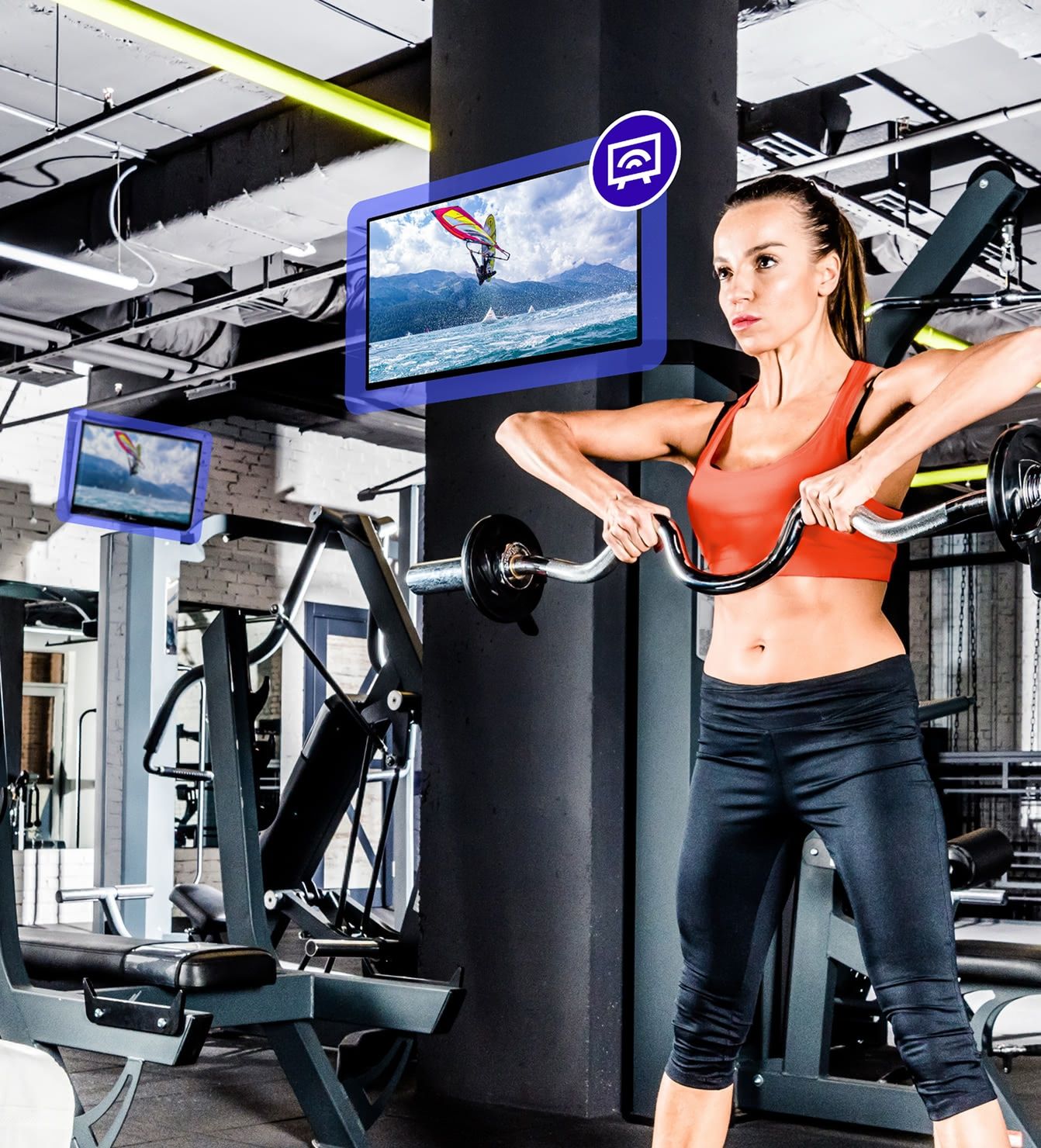
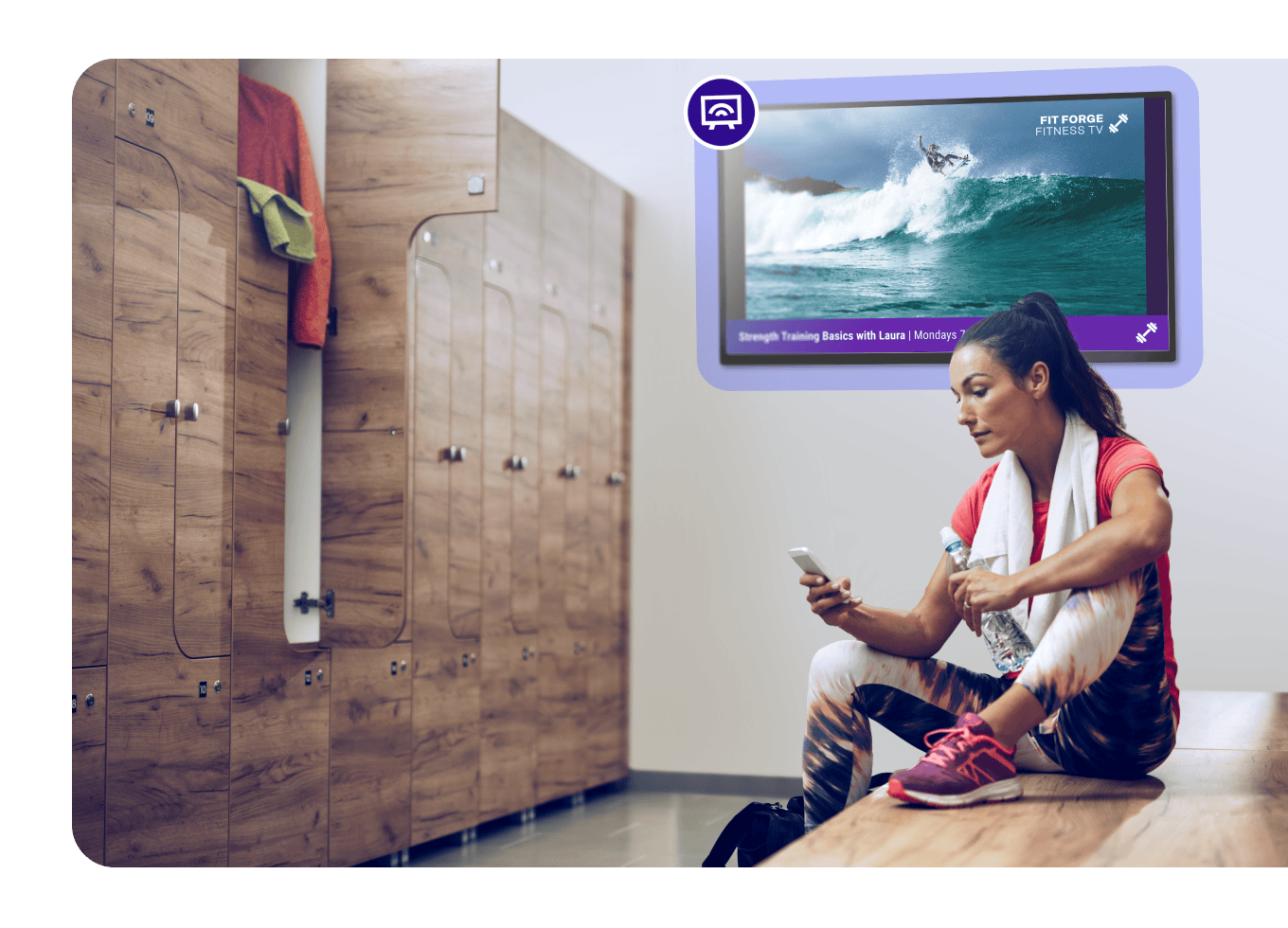
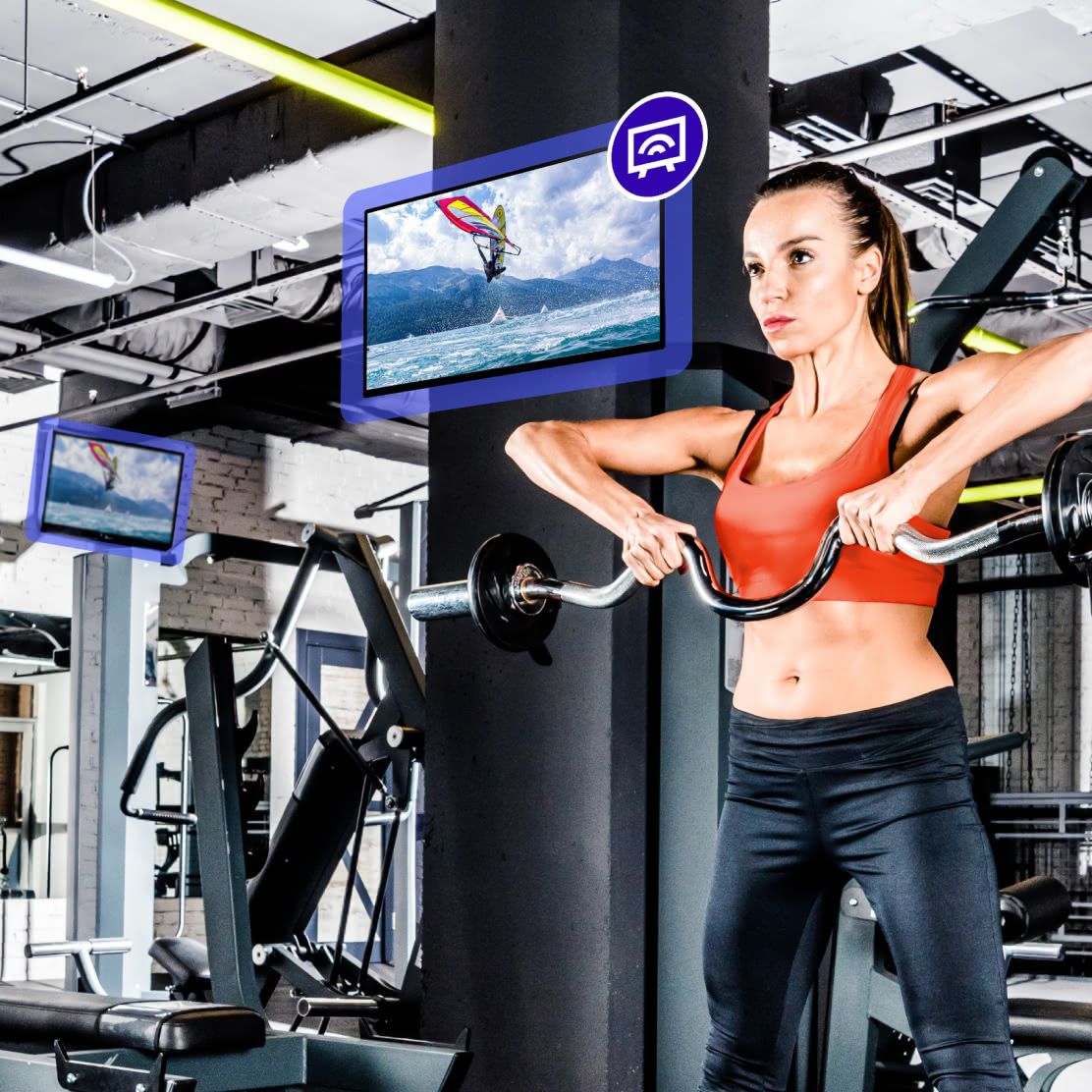
  • Rockbot TV keeps fitness centers moving
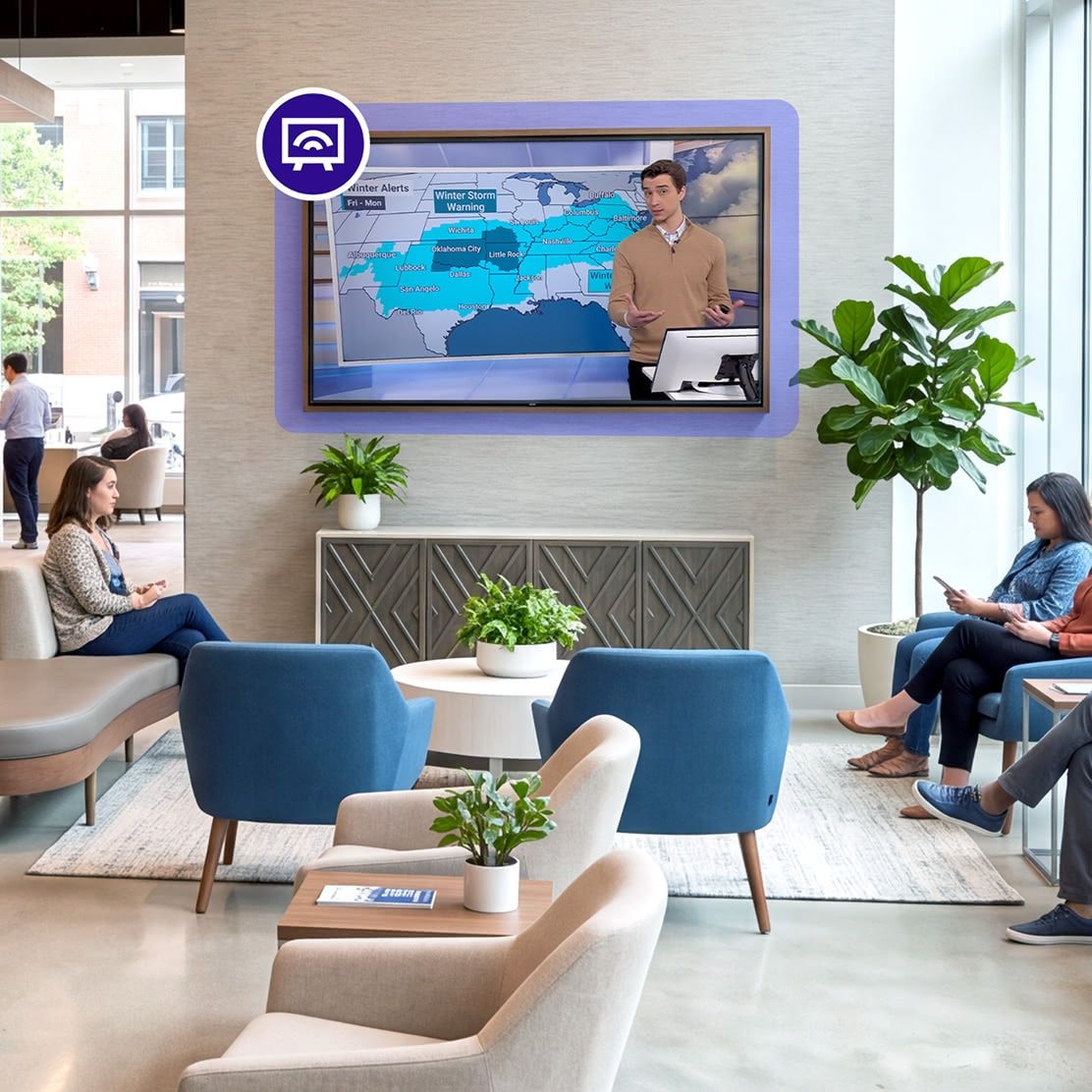
  • The quality programming of Rockbot TV is perfect for any retail location
  • Planet Fitness uses Rockbot TV streaming service
  • Ashley Furniture uses Rockbot TV programming service
  • Sola Salons uses Rockbot TV service for business
  • Burger King use Rockbot TV streaming in their restaurants
  • North American Dental Group streams TV in their locations with Rockbot
  • Content designed for business

    Deliver premium, curated programming that fits your environment and enhances the customer experience.

  • Easy scheduling & automation

    Control what plays across every screen with real-time scheduling and automation tools.

  • Centralized control & visibility

    Manage TV programming across all your business locations from one intuitive platform.

  • On-screen branding & promos

    Add your logo, messages, and custom promotions to your streams to keep your brand top of mind.

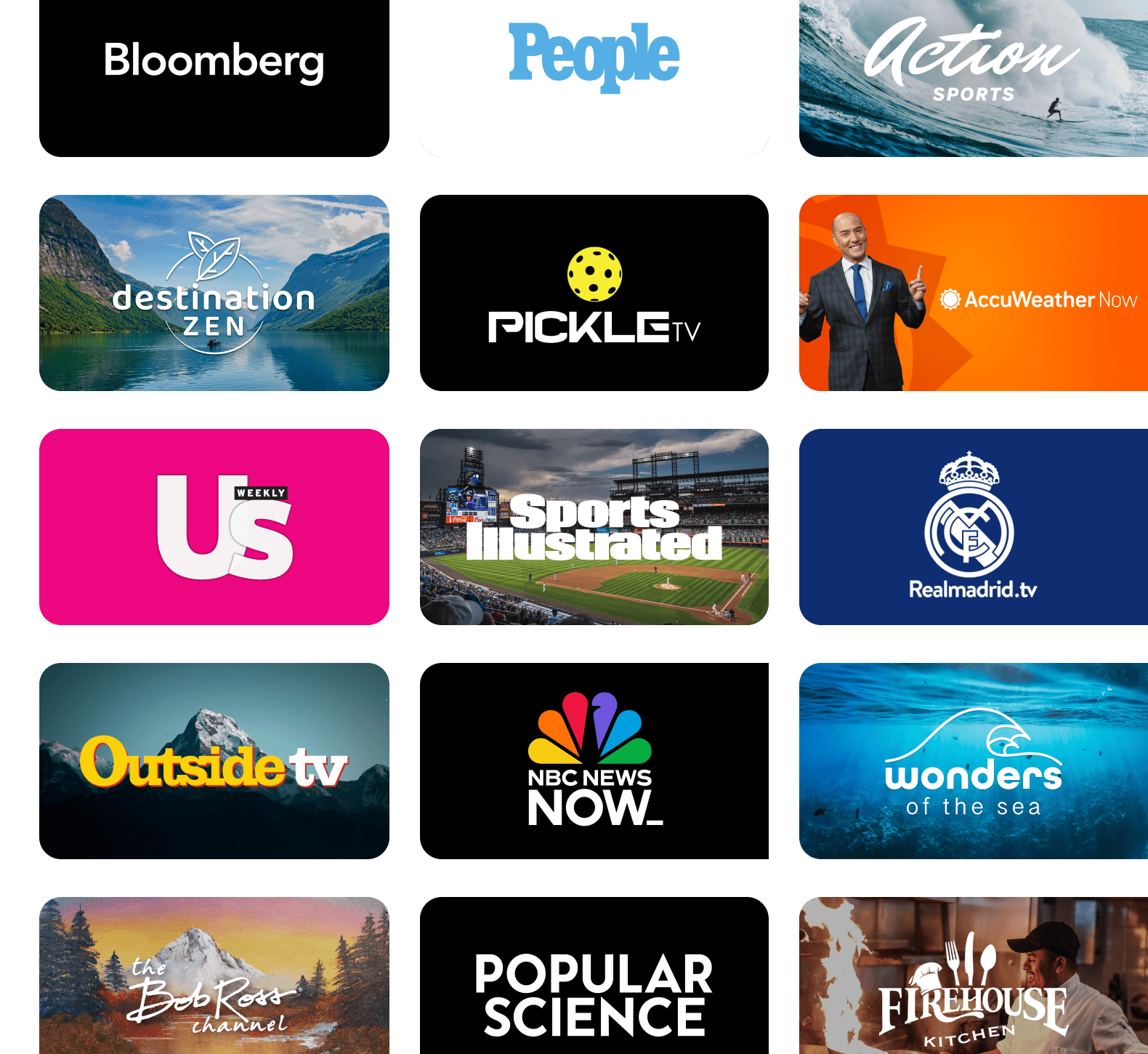
View Channel Guide

We are absolutely thrilled with the Rockbot TV programming. It offers an outstanding variety of content, catering to a wide range of tastes. Our patrons couldn’t be happier!

Bob Grewal
Owner and Development Agent, Subway

Manage every screen from one place

Take full control of your business TV with Rockbot’s centralized dashboard and remote app – built for secure, scalable management across every location.

Learn More
  • Smart scheduling

    Automate playback by time, day, or event to ensure every screen shows content tailored to your audience and environment.

  • Centralized control

    Instantly update channels, override playback, or push branding across multiple locations — all from the Rockbot Dashboard or Remote App.

  • Secure role-based access

    Control who manages what with role-based permissions, SSO, and enterprise-grade security for your TV streaming services.

  • Real-time monitoring

    Stay informed with device health insights, playback performance, and automated alerts to ensure smooth business TV operations.

Get streaming in minutes

  • Easily connect the Rockbot Media Player to your screens – no technical expertise or complex setup required.

    Image of a tv and a Rockbot Media Player
  • Image of a tv and a Rockbot Media Player
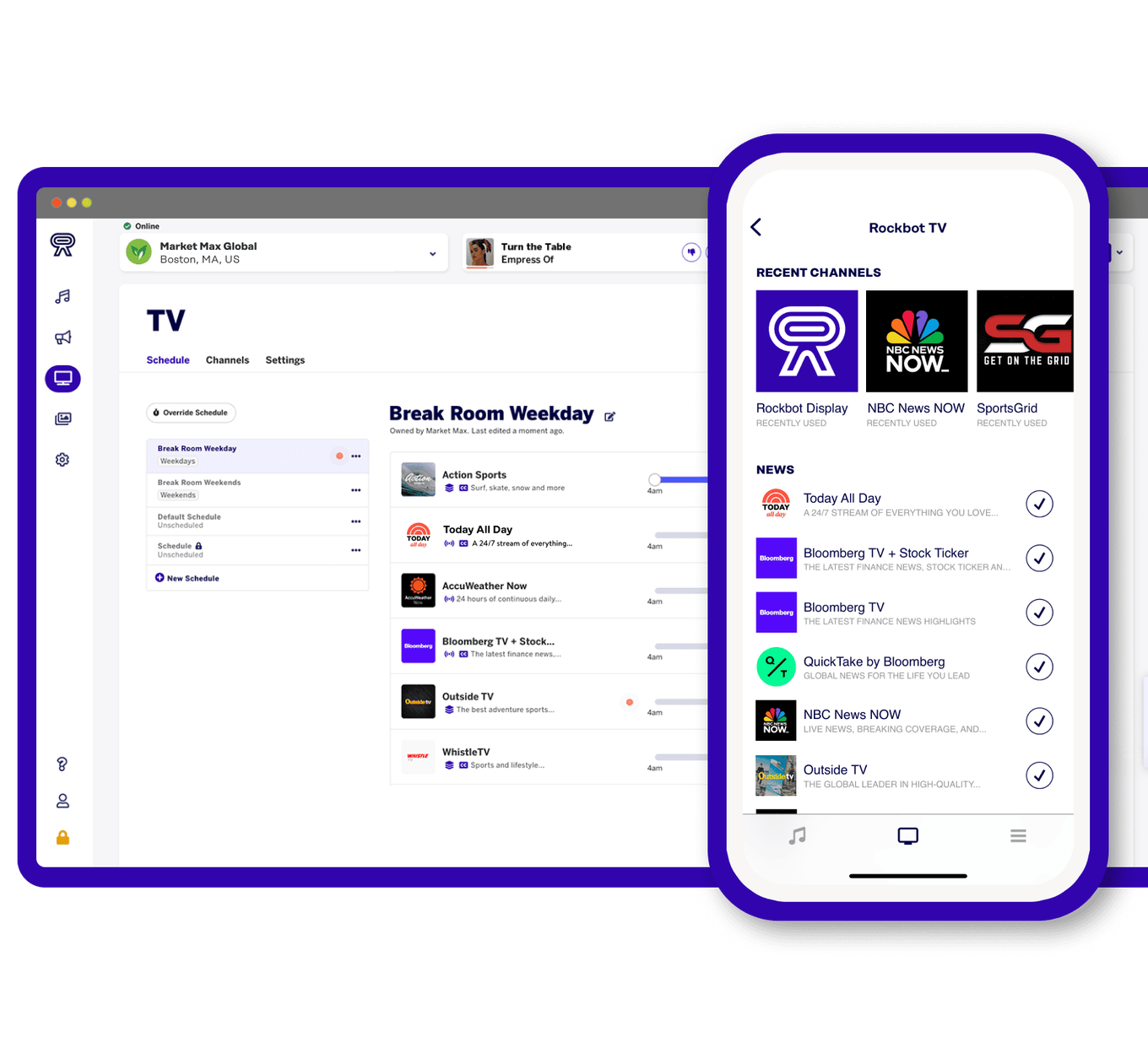
  • Screenshot of Rockbot's TV scheduling interface
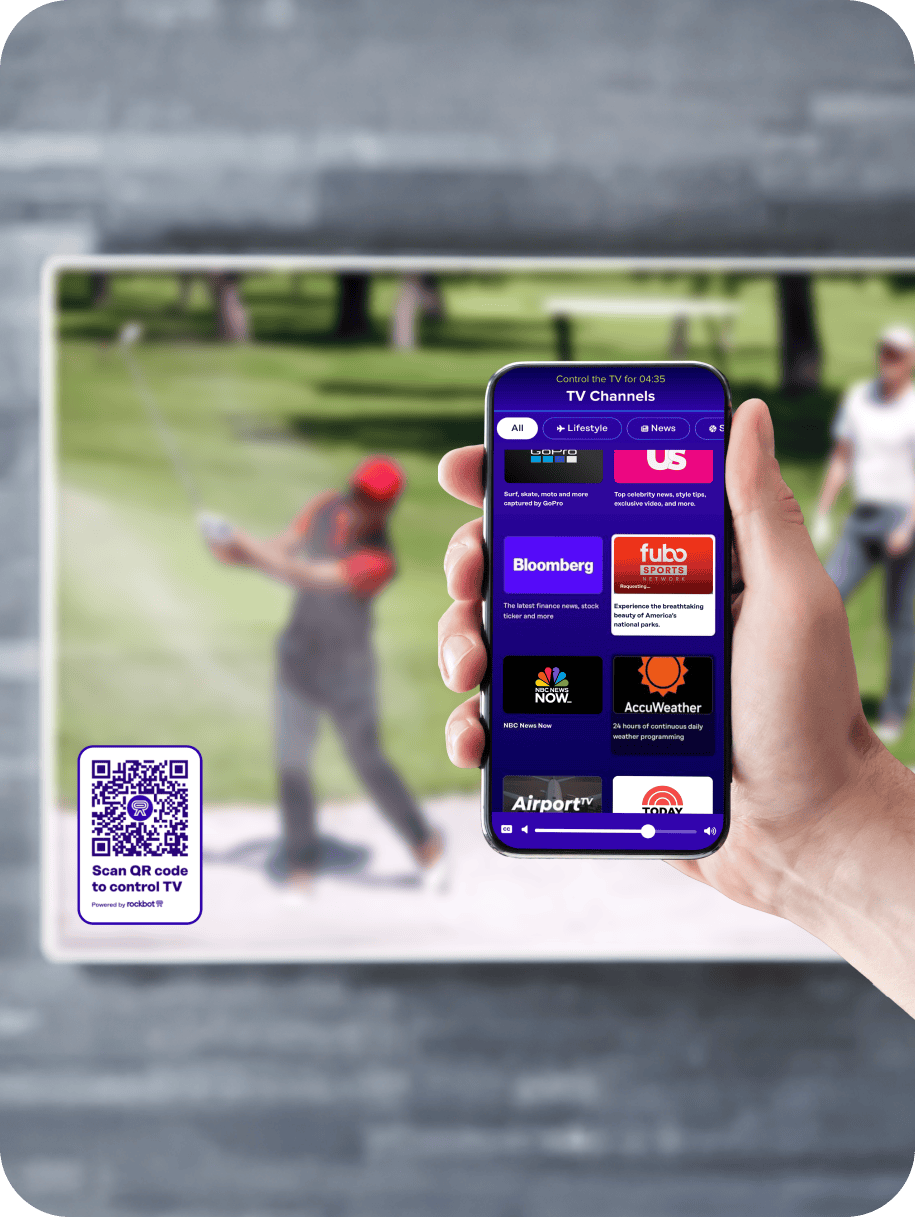
  • Screenshot of Rockbot's TV Desktop interface and the Rockbot Remote App

Extend your brand across every screen

Display branded promos alongside your TV content with Rockbot Signage, or add Rockbot Music for a fully unified experience – all managed from one powerful platform.

Scalable media solutions for any business size

Rockbot TV FAQs

Everything you need to know to set up, scale, and get the most from TV for business.

  • What is Rockbot TV and how does it benefit my business?

    Rockbot TV is a commercial streaming service built for business environments. Unlike consumer platforms, it delivers curated programming – including news, sports, lifestyle, family-friendly, and ambient content – specifically optimized for public spaces. It helps businesses improve guest engagement, extend dwell time, and enhance brand perception.

  • How many channels are available?

    Rockbot TV includes 50+ curated channels designed for professional use. You can create custom schedules, set daily or weekly programming, or use “Play Now” for instant control – making it one of the most flexible TV for business solutions.

  • What hardware do I need to use Rockbot TV?

    Rockbot TV is compatible with a variety of devices. While the Rockbot Media Player is recommended for the most reliable performance – including stable playback, secure connectivity, and easy installation – you can also stream Rockbot TV on select compatible hardware. This flexibility makes it easy to get started whether you’re equipping a single screen or scaling across multiple locations.

  • Will Rockbot TV work during internet outages?

    Yes. Most Rockbot TV channels are cached locally for offline playback, ensuring uninterrupted viewing during short internet outages. Live channels do require a steady connection, but most channels will keep playing.

  • Can I manage multiple business locations?

    Absolutely. Rockbot’s centralized dashboard makes it easy to manage content, volume, and user access across one or thousands of locations – ideal for franchises and enterprise operations.

  • What permissions can I assign to users?

    Admins can assign granular permissions for staff, managers, or regional leads, including access to scheduling, playback, volume, and device control – ensuring secure, streamlined management.

  • What content categories are included?

    Rockbot TV organizes content into business-friendly categories:

    • News & Weather – Real-time updates and headlines.
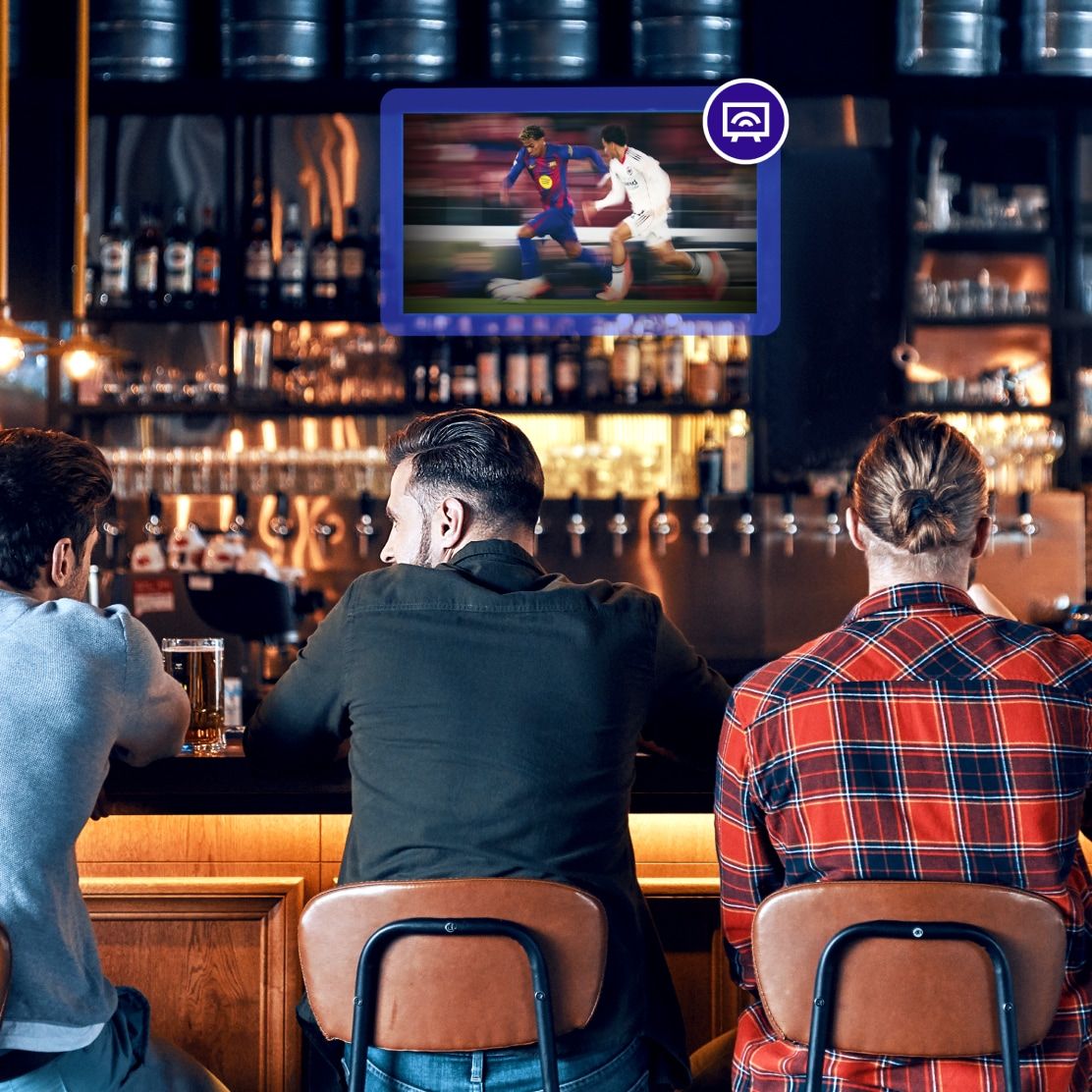
    • Sports & Action – High-energy content for gyms, lounges, and bars.
    • Lifestyle & Leisure – Fashion, food, and culture segments.
    • Relaxation & Ambient – Calming visuals for spas, salons, or wellness centers.
    • Kids & Family – Family-friendly shows for restaurants or waiting areas.

  • Can I add branding or promotions?

    Yes. Rockbot Signage lets you display your logo, messaging, and promos alongside Rockbot TV content – turning your screens into brand and marketing channels.

  • Is Rockbot TV scalable?

    Yes. Rockbot TV is designed for businesses of all sizes, from single-screen setups to enterprise-wide rollouts. Its cloud-based control and flexible scheduling make it easy to scale across any number of locations.

  1. Compared to business cable or satellite TV package starting prices