Rockbot Setup & Installation

Getting started with Rockbot

Set up your device and get your business media running in minutes – no technical expertise required.

How setup works

Every Rockbot device follows the same fast, three-step setup process – designed for quick deployment and easy integration.

  • Connect your device

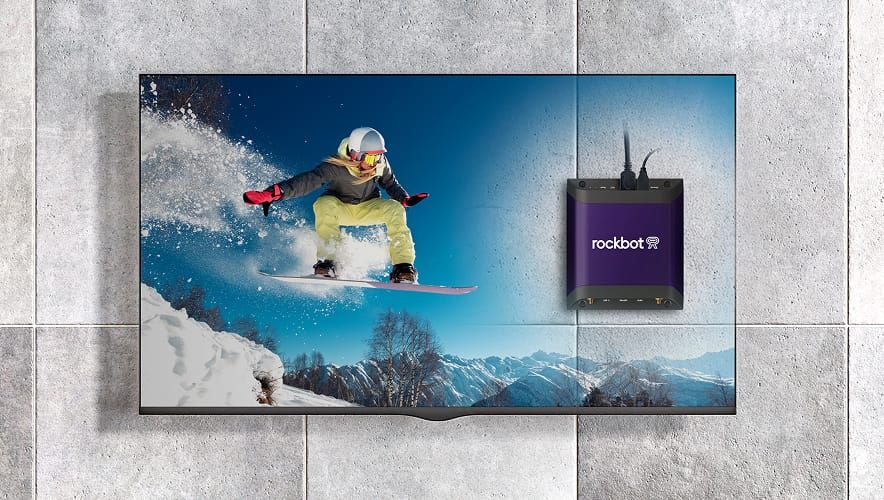
    Plug into power and your existing A/V system.

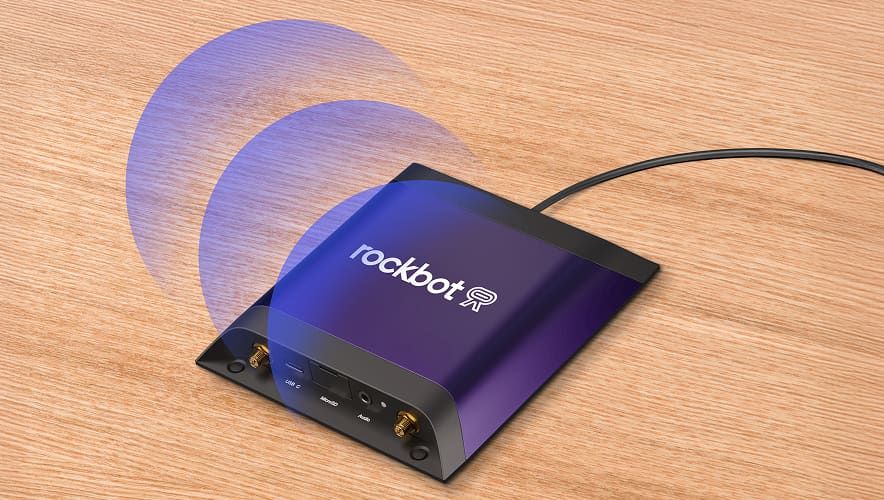
  • Rockbot Media Player connected via Ethernet and Wi-Fi during device setup.

    Go online and activate

    Connect via Ethernet or Wi-Fi for fast setup.

  • Control from anywhere

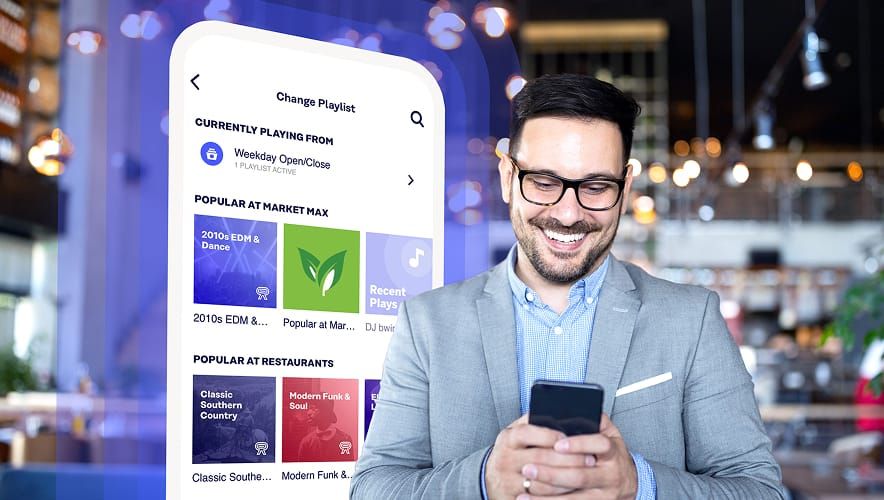
    Manage all your media from the Rockbot Dashboard or mobile app.

Common setup questions

  • Do I need technical expertise?

    No – Rockbot hardware is fully plug-and-play. Most businesses are up and running in minutes.

  • Will it work with my existing speakers or displays?

    Yes. Rockbot integrates seamlessly with nearly all commercial A/V systems.

  • What happens if my internet drops?

    Your music, TV, and signage keep playing – Rockbot stores and runs content locally for uninterrupted playback.

  • Where can I find detailed setup guides?

    Visit setup.rockbot.com for step-by-step instructions by device type.

  • Can Rockbot help with installation?

    Yes. Our nationwide network of certified A/V installers provides professional installation, setup, and ongoing support.

Need help with advanced configuration or network setup? Visit our Support Center or contact support@rockbot.com.